Skill to use for Job position Setting.
Create Skill
To create a skill:
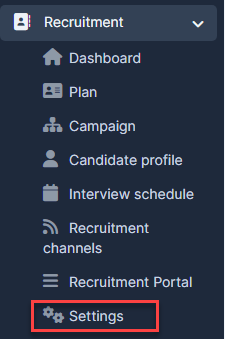
- Step 1. Go to the Recruitment module in the left sidebar and select Settings menu
- Step 2. Select Skills menu -> Click New skill button
.png)
- Step 3. In the New skill page, enter the Skil name -> click Save button
.png)
Edit Skill
To edit the details of an existing skill:
- Step 1. Go to the Recruitment module in the left sidebar and select Settings menu
- Step 2. Select the Skills menu -> Select the skill need to be edited and click Edit button
.png)
- Step 3. Make the necessary changes and click Save button
.png)
Delete Skill
- Step 1. Select the Skills menu -> Select the skill need to be deleted and click Delete button
- Step 2. Confirm your selection in the following pop-up. The skill will be deleted.